 Scripps News
A Perfect Day in Manhattan Beach: Beach, Pier, Food and Sunset Photos
June 4, 2026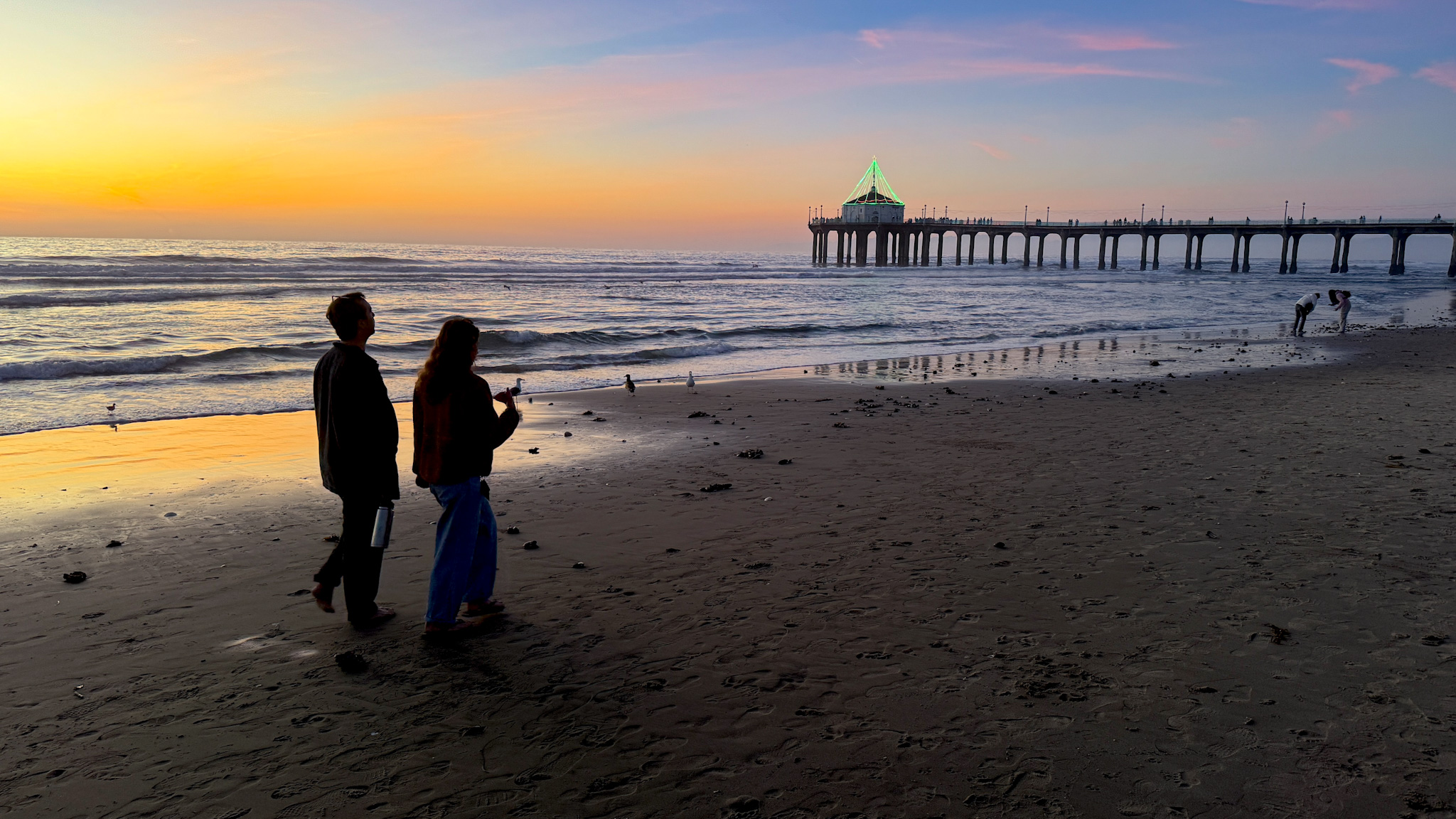
Next on PhotowalksTV: Manhattan Beach
June 11, 2026
I was on the Catalina Express boat, headed for a few days of Photowalking and travel photography, when I started thinking about all the ways a perfectly good photo can go wrong.

After filming nearly 100 episodes of Photowalks, I would love to tell you that I no longer make mistakes. That would be a lie.
I have shot crooked horizons, forgotten to press record, filled up my phone at the worst possible moment, lost gear, crashed drones and once watched a thief run away with my camera while it was still recording.
The good news is that most travel photography mistakes are easy to fix. You do not need a new camera or an expensive lens. You mostly need to slow down, pay attention and learn from the mistakes that the rest of us have already made.
Here are the biggest ones.
1. The Crooked Horizon
This is one of the fastest ways to make a photo look amateurish.
It is especially obvious at the beach, on a boat or from a rooftop, where the horizon line gives the viewer an instant reference point. If the ocean looks like it is sliding off the side of the frame, the picture is probably not going to work.
Your phone already has a built-in solution. Turn on the grid and level in your camera settings, then use those lines to keep the horizon straight before you press the shutter.
This is one of those tiny corrections that instantly makes a photo look more polished.
2. The Dirty Lens
People often tell me their phone camera is broken because their photos look cloudy, fuzzy or washed out.
Usually, the camera is fine. The lens is dirty. I say it over and over again.
Our phones spend all day in pockets, purses and hands. The lenses pick up fingerprints, dust and all kinds of gunk. Before every shoot, take a microfiber cloth and wipe the lenses clean.
It may be the cheapest and most effective photography accessory you can buy.
3. The Dead Battery
Phone cameras drain batteries quickly, especially when you are shooting video, using maps, checking directions and posting during the day.
Whenever I drive to a location, I charge the phone in the car so I arrive at 100 percent. I also never leave home without a power bank. (My favorite is the Anker with a built-in charging cable.)
The best ones either attach magnetically to the back of the phone or include a built-in cable. A fast charger can rescue your day in about 30 minutes.
A dead battery means no photos, no video, no maps and no ride home. This one is worth planning for.
4. Running Out of Storage at the Worst Moment
Do not wait for the dolphin to jump out of the water before discovering that your phone is out of storage.
Check your storage before you leave home. I like to have at least 30 to 40 gigabytes available before a serious day of shooting.
Delete old videos, remove apps you no longer use and move files to a computer, cloud service or flash drive. Recent iPhones and Android phones can connect directly to a USB-C drive, which makes it much easier to clear space on the road.
5. Shooting Everything at Eye Level
Most people take every photo from the same height because that is how they naturally see the world.
That is also why so many photos look ordinary.
Get low. Climb higher. Move closer to the ground. Look for stairs, reflections and foreground objects. A simple change in height can turn a boring scene into something far more interesting.
6. Pinching to Zoom
One of the most common phone photography mistakes is pinching the screen to zoom in.
In many cases, all you are doing is stretching the pixels and creating a fuzzy, low-quality image.
Instead, use the fixed lens buttons on the screen: .5, 1, 2x, 3x, 5x or whatever your phone offers. Those are the lenses designed to give you the best quality.
Better yet, do what photographers did before zoom lenses became common: zoom with your feet.
Walk closer.
7. Missing the Best Expression
Someone blinks. Someone looks away. Someone makes a strange face.
That is why burst mode exists.
On an iPhone, you can use the volume-up button if you have burst mode enabled. On many Android phones, you can swipe the shutter button. Take a quick series of frames and choose the best expression later.
This is especially useful for children, groups, action and anyone who always seems to blink at exactly the wrong moment.
8. The Tree Growing Out of Someone’s Head
You take a portrait, look at it later and realize that a tree, pole or sign appears to be growing directly out of the person’s head.
The fix is not complicated.
Move yourself. Move the subject. Change the angle. Pay attention to the background before taking the picture.
Portrait mode can also help by softening distracting details, but the best solution is still to notice the problem before you shoot.
9. Background Clutter
A nice portrait can be ruined by a garbage can, garden hose, parked car or random person in the background.
Before pressing the shutter, scan the edges of the frame. Look behind the subject. A step to the left or right may clean up the entire image.
This is one of the biggest differences between a snapshot and a carefully made photograph.
10. Shooting Portraits in Direct Sun
Direct midday sunlight is rarely flattering.
It creates deep shadows under the eyes, harsh highlights on the face and exaggerated features. The easiest solution is to move into open shade.
A doorway, tree, overhang or side of a building can give you softer, more even light.
When shade is not available, walk around the subject and look for a better angle. Sometimes a slight turn creates attractive backlighting and removes the harshest shadows.
11. Standing Too Close to a Big Building
When people stand in front of a large building, they often try to photograph it from directly underneath.
That usually creates distortion and makes the structure look like it is leaning backward.
Step away. Cross the street. Walk to a higher viewpoint. Use a telephoto lens from a distance.
You may find that the best postcard view is nowhere near the front door.
When you are close to a building, use that opportunity to photograph details instead: artwork, signs, windows, carvings and architectural features.
12. Shooting Through Glare
Museums, aquariums and historic sites often place interesting objects behind glass. The result is usually a photo covered in reflections.
There are two good fixes.
First, step back and use your telephoto setting, 3x, 5x or more. The extra distance often changes the angle enough to remove the glare.
Second, when you cannot step back, press the edge of the phone directly against the glass, if you can. Eliminating the air gap can eliminate the reflection.
13. Turning People Into Silhouettes
You are in a beautiful café. Light is streaming through the window. Your travel companion is sitting in the perfect spot, with the window behind her.
You take the photo and her face is completely dark.
The camera sees the bright window and exposes for it, leaving the person underexposed. Instead of placing the window behind the subject, have them turn so the light falls on their face from the side or front.
The same window that ruined the first shot can become your best light source.
14. Using the Smartphone Flash
The built-in flash on a phone is a tiny, harsh light pointed directly at someone’s face from a very short distance.
It flattens features, blows out skin tones and creates ugly shadows.
My preferred use of the phone flash is not to use it.
Instead, ask a friend to turn on the flashlight app on another phone and hold it a few feet away at a 45-degree angle. That creates softer, more directional light and usually produces a much better portrait.
15. Shooting Every Scenic View Vertically
Vertical photos and videos are useful for Instagram, TikTok and Reels.
But not every scene wants to be vertical.
The Grand Canyon, Monument Valley and wide city skylines are horizontal subjects. Turning the phone vertically can cut out much of what makes the scene impressive. Like 60% worth!
Shoot both ways. But do not forget that some places are all about width.
16. Forgetting That Night Mode Is On
Night mode is one of the best features on modern phones. It can produce surprisingly bright, detailed photos in very low light.
The problem comes when you forget it is active.
Night mode may require you to hold the phone still for several seconds. If you are casually snapping moving subjects, the results may look blurry and smeared.
Use Night Mode when you need it. Turn it off when you do not.
17. Photographing Every Meal From Above
We all love photographing food while traveling. It is part of the experience.
But the overhead angle has become so automatic that every plate starts to look the same.
Food has height, texture and dimension. Try a lower angle. Shoot from the side. Include the restaurant, table or person serving the dish.
The overhead shot can still work, but it should not be the only shot.
18. Not Knowing the Camera Shortcuts
One of the biggest photography mistakes is missing the shot because you could not open the camera quickly enough.
Your phone has shortcuts.
On an iPhone, you can use the camera icon on the lock screen, the action button on recent models, the Control Center or Siri. Android phones have similar tools, often including a double-press of the power button.
Learning those shortcuts takes about a minute. Missing a once-in-a-lifetime moment takes even less.
19. Thinking New Gear Will Fix Everything
Upgrading from your phone for an improved camera can be exciting, but it will not fix a dead battery, full storage, dirty lens, crooked horizon or bad background.
The biggest improvements usually come from paying attention.
Photography is less about owning more equipment and more about noticing what is in front of you.
The Real Lesson
Mistakes are part of travel photography.
The goal is not to avoid every mistake forever. The goal is to notice them, learn from them and make fewer of them the next time.
Questions? Let me hear from you, photowalkstv@gmail.com