
Fargo Beyond the Movie: A Two-Day Itinerary of Food, Art and Prairie Views
October 24, 2026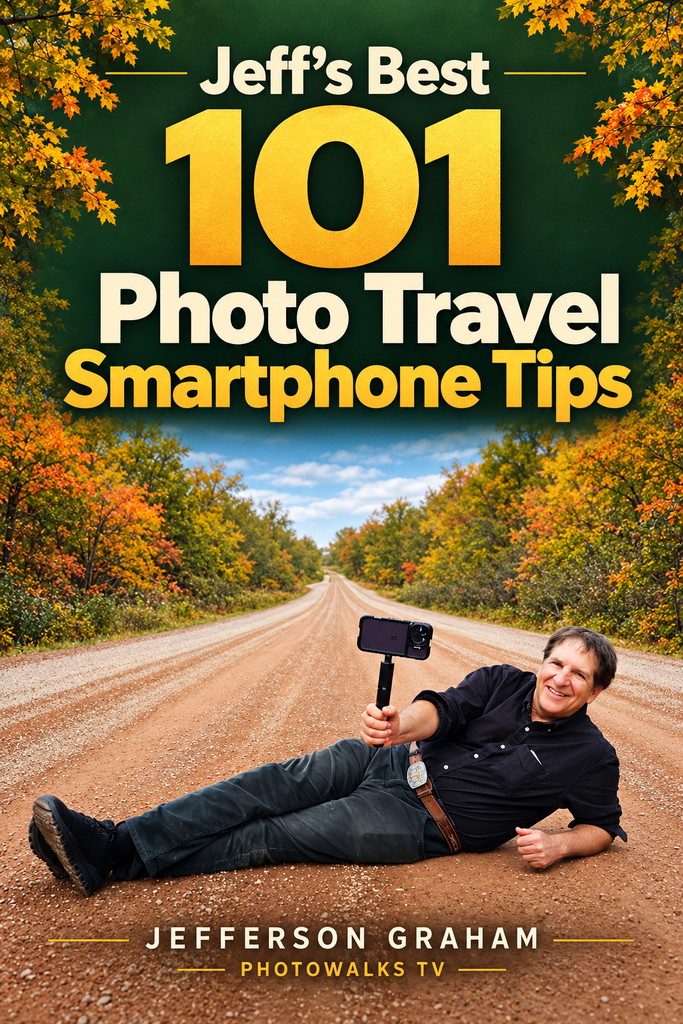
YOUR FREE PHOTOGRAPHY E-BOOK
101 Smartphone Photo Tips
Take better travel photos with the phone you already own. Get Jefferson Graham’s practical tips for light, portraits, sunsets and more.
Subscribe free to PhotowalksTV. Get the book by email. Unsubscribe anytime.
Take better travel photos with your smartphone
Get my free e-book, 101 Smartphone Photo Tips, filled with practical advice from my travels filming nearly 100 episodes of the PhotowalksTV show.
Learn how to take better portraits, compose stronger pictures, capture sunsets and night scenes, and improve your photos before sharing them.
Subscribe to my PhotowalksTV newsletter, and I’ll send the download link to your inbox. If you’re already a subscriber–thank you!
Here’s two tip examples:
How to Fix Backward Selfies

This is one of those important tools found in the Settings app. On the iPhone, go to Settings/Camera and Composition. Make sure Mirror Front Camera is not checked. When checked, the letters seen in the background is backwards. Unchecked, and all is well with the world.
On Android phones, go to Settings, and make sure “Save selfie as previewed” is turned OFF.
Find Photos Easier in Camera Roll with TAGS

One of the biggest issues in the smartphone era is finding our photos in the Camera Rolls.
Luckily, Apple and Google have excellent tagging tools to make it easier, even if most people don’t use them. For Apple: open photos
of people in the Camera Roll, click the I (for information) button and look for the face. Click it and Apple now wants you to name
him or her. Once you do that–they are tagged. On Android phones, in Google Photos, tap the photo containing the person you want to tag. Swipe up on the photo (or tap the three dots in the top-right corner) to open the photo details. Scroll down to the People row beneath the technical camera data: Tap the face thumbnail (often marked with a question mark or left blank), tap Add name, and now they’re tagged.
YOUR FREE PHOTOGRAPHY E-BOOK
101 Smartphone Photo Tips
Take better travel photos with the phone you already own. Get Jefferson Graham’s practical tips for light, portraits, sunsets and more.
Subscribe free to PhotowalksTV. Get the book by email. Unsubscribe anytime.
—Jefferson Graham